Naqi AI app icon

Naqi AI

Halal Food Scanner & Nutrition Tracker

Open Naqi in the App Store

Button not working? In-app browsers block App Store links. Follow the steps for your app:

TikTok

1

Tap the ••• menu

Top-right corner of the TikTok browser.
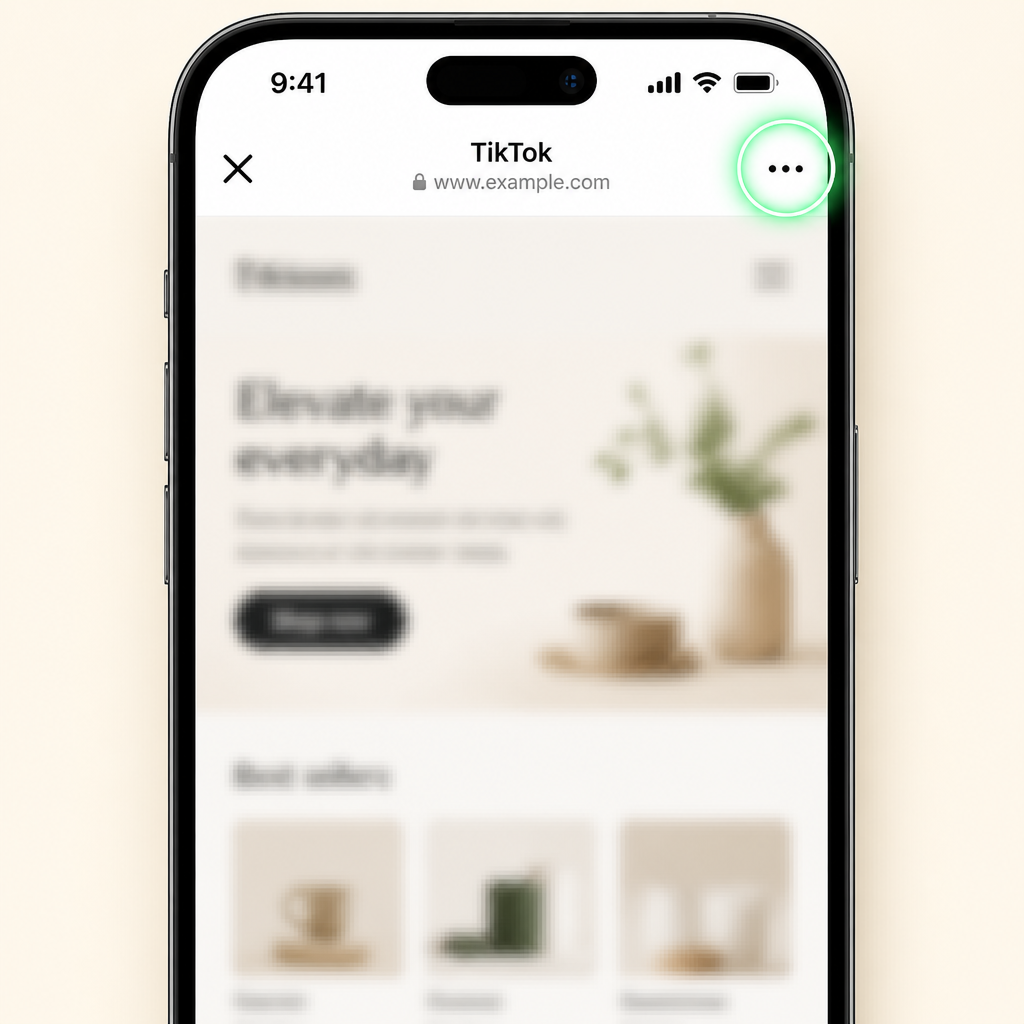
Screenshot highlighting the three-dot menu in the top-right corner of a mobile browser
2

Tap “Open in Browser”

Choose “Open in Safari” or “Open in Browser”.
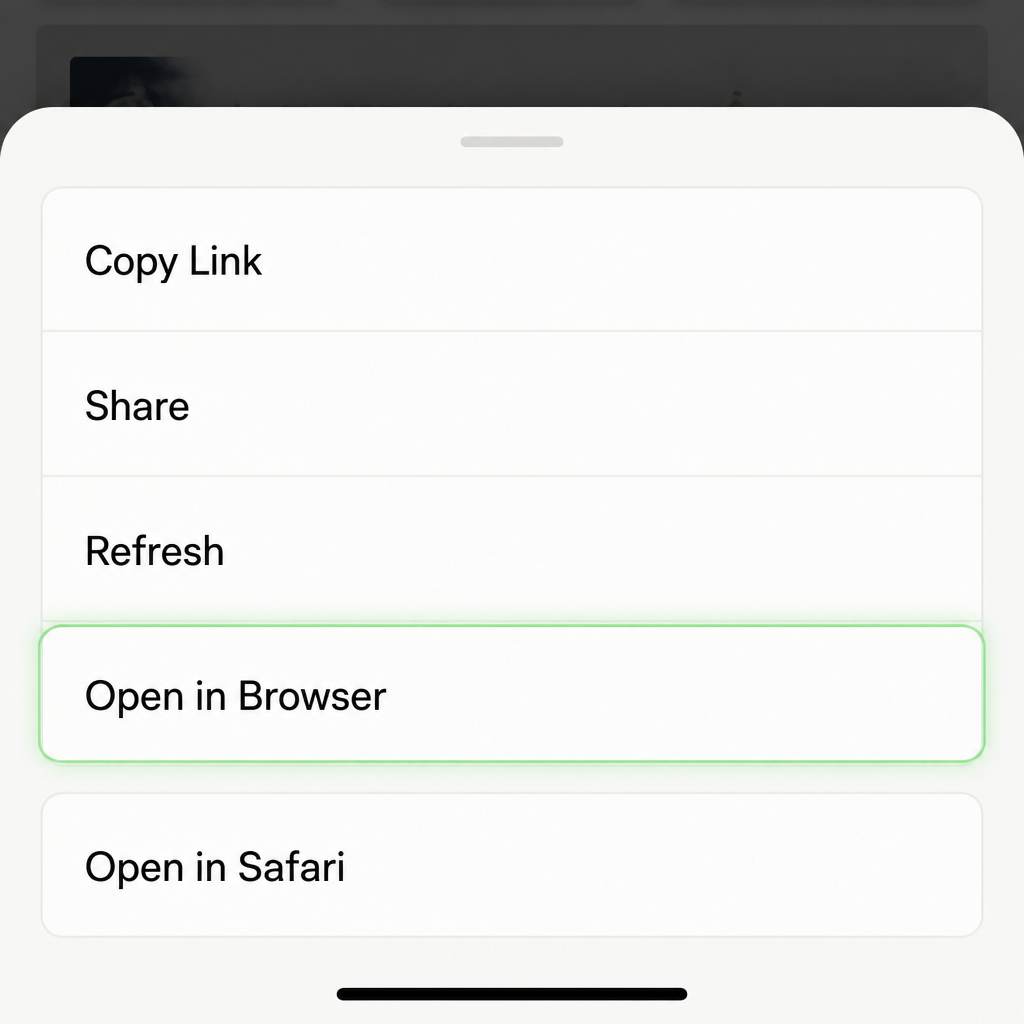
Screenshot highlighting the Open in Browser option in the mobile menu
3

Tap the App Store button

Tap Open Naqi in the App Store again.
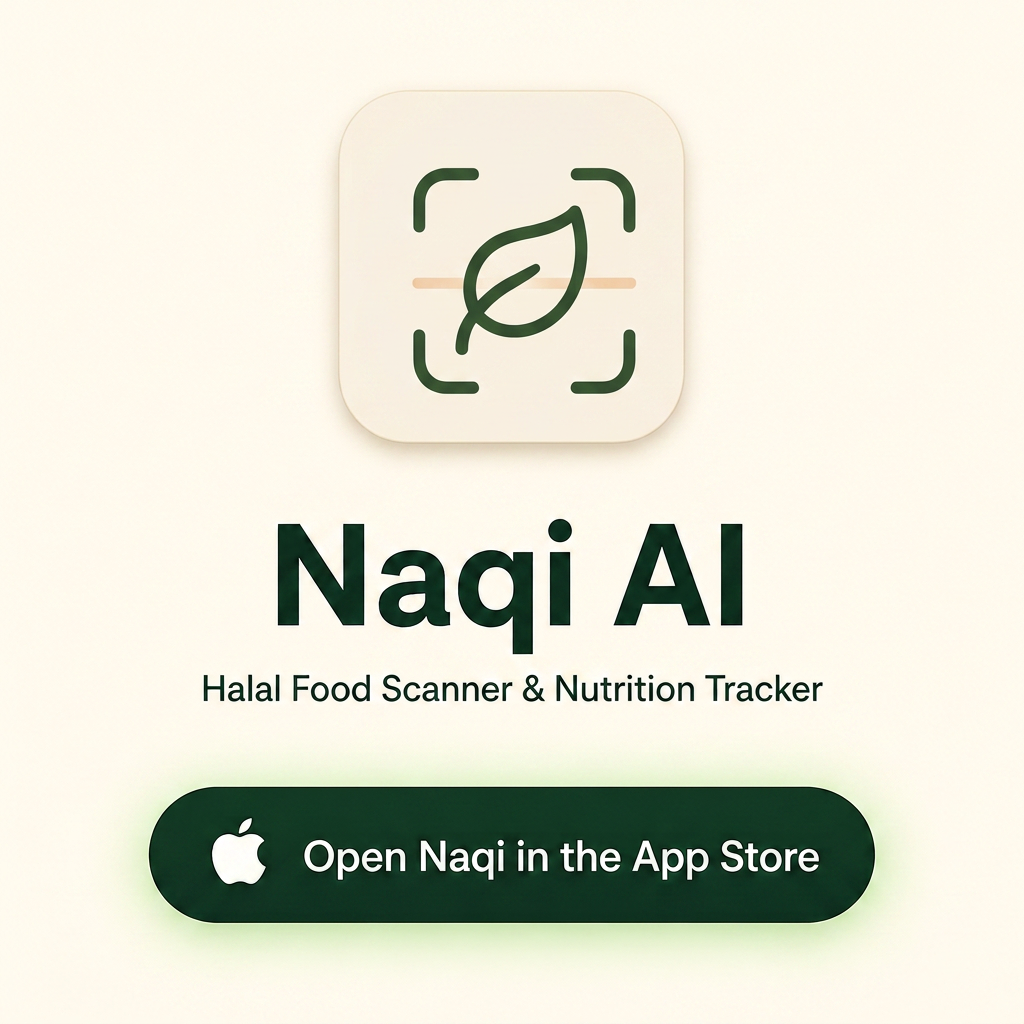
Screenshot showing the Naqi AI landing page with the App Store button highlighted

Instagram

1

Tap the ••• menu

Top-right corner of the Instagram browser.

Screenshot highlighting the three-dot menu in the top-right corner of a mobile browser
2

Tap “Open in external browser”

This opens the page in Safari or Chrome.

Screenshot highlighting the Open in external browser option
3

Tap the App Store button

Tap Open Naqi in the App Store again.

Screenshot showing the Naqi AI page with the App Store button highlighted